Tap to blend
Hit the cup to make a shake. Chain quick blends to stack combos and cash in bigger.
 Milkshake Mania
Free incremental clicker · plays in your browser
Blend shakes by hand, hire staff so the cash keeps coming while you're away, and grow a tiny stand into a busy chain.
Click the cup to blend!
Simple to start, deep enough to lose hours to.
Hit the cup to make a shake. Chain quick blends to stack combos and cash in bigger.
Your crew keeps the shakes flowing while you're gone. They earn while you sleep.
Pour your earnings into faster gear and new shops. Watch one stand turn into a chain.
Get blending like a tycoon.
Get staff blending before you splurge on upgrades. The sooner they start, the faster your money snowballs.
Quick clicks in a row build a blend multiplier. Keep the streak going for the biggest payouts.
Log off with a full crew hired and come back to a fat pile of stacked-up cash.
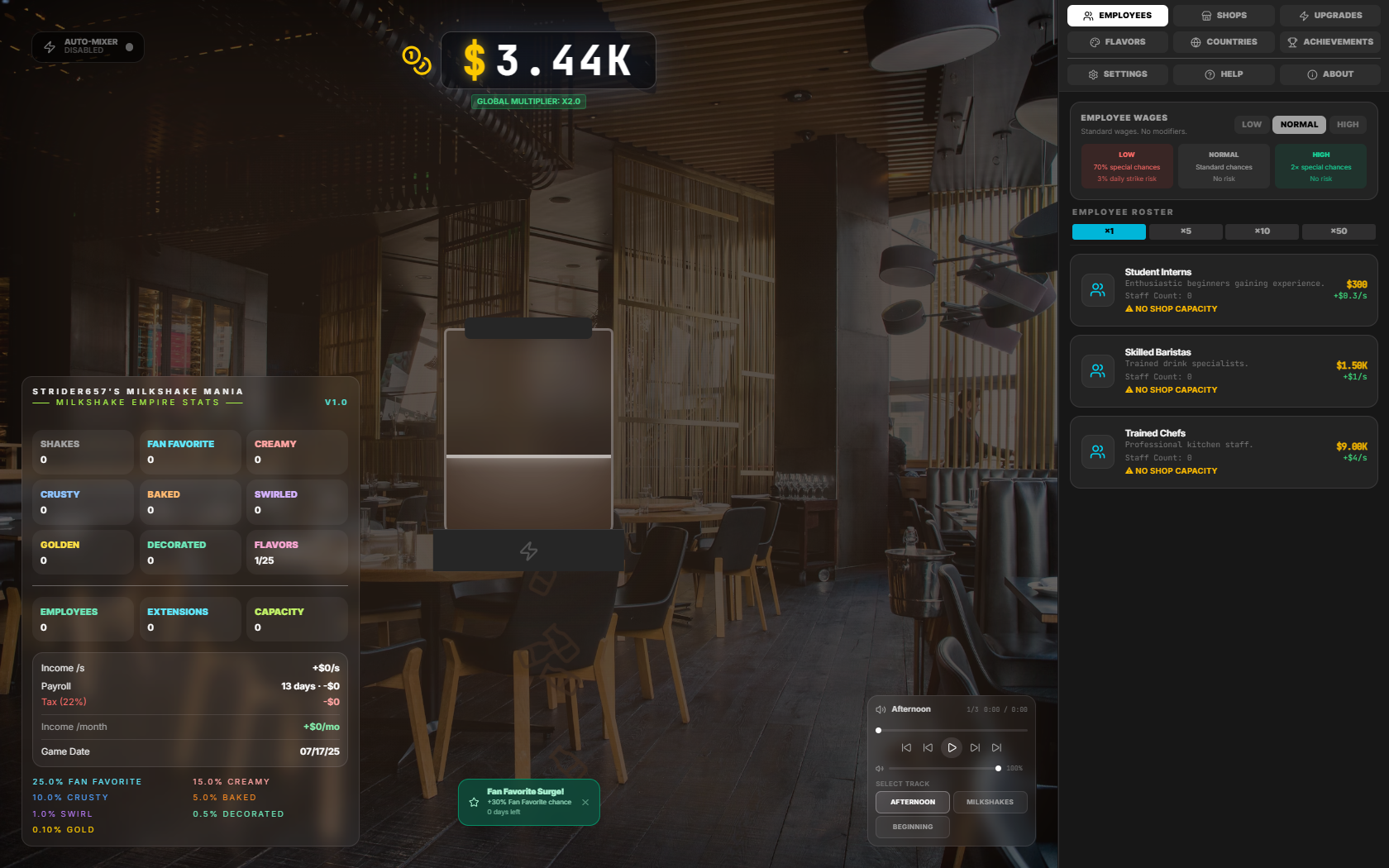
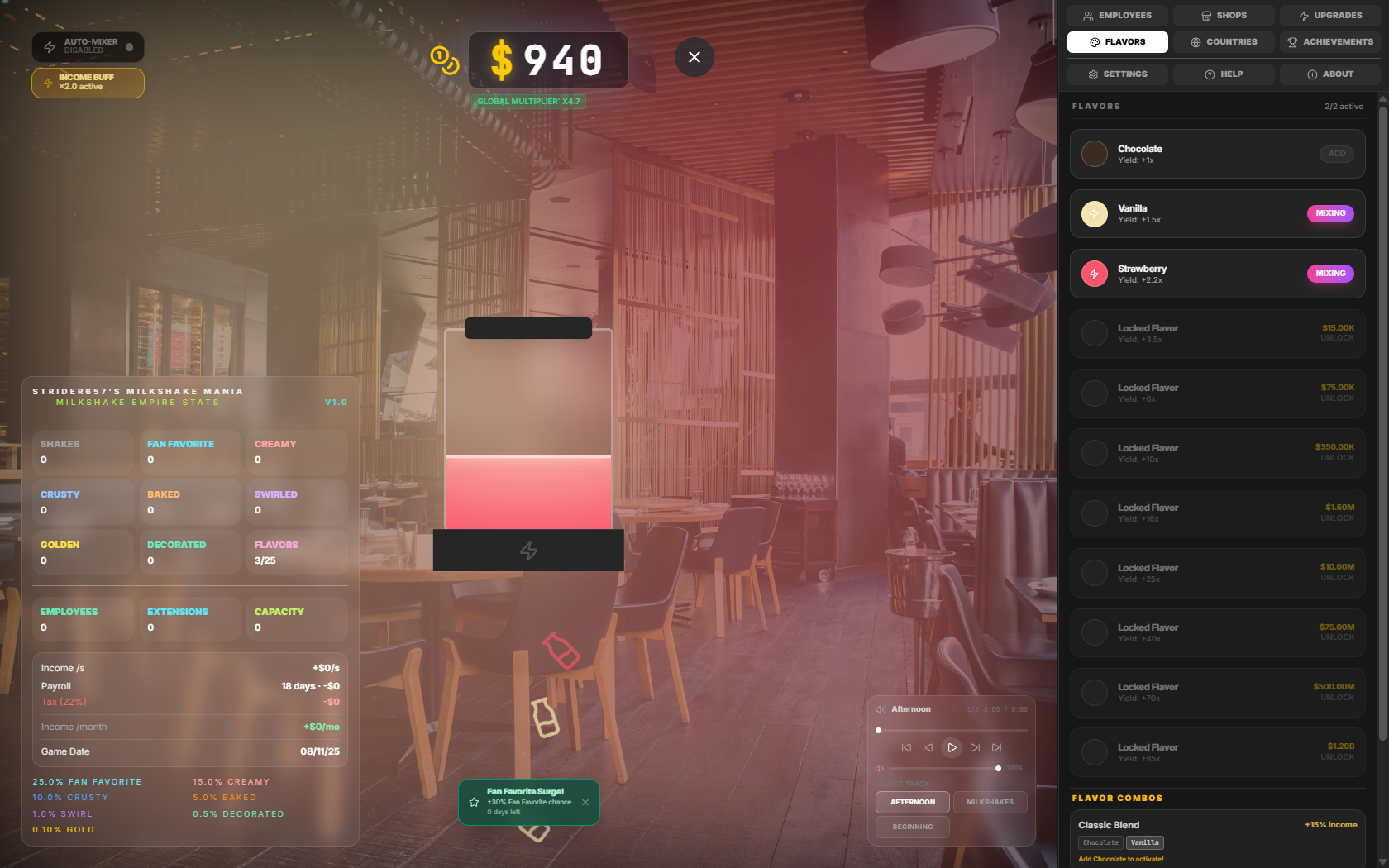
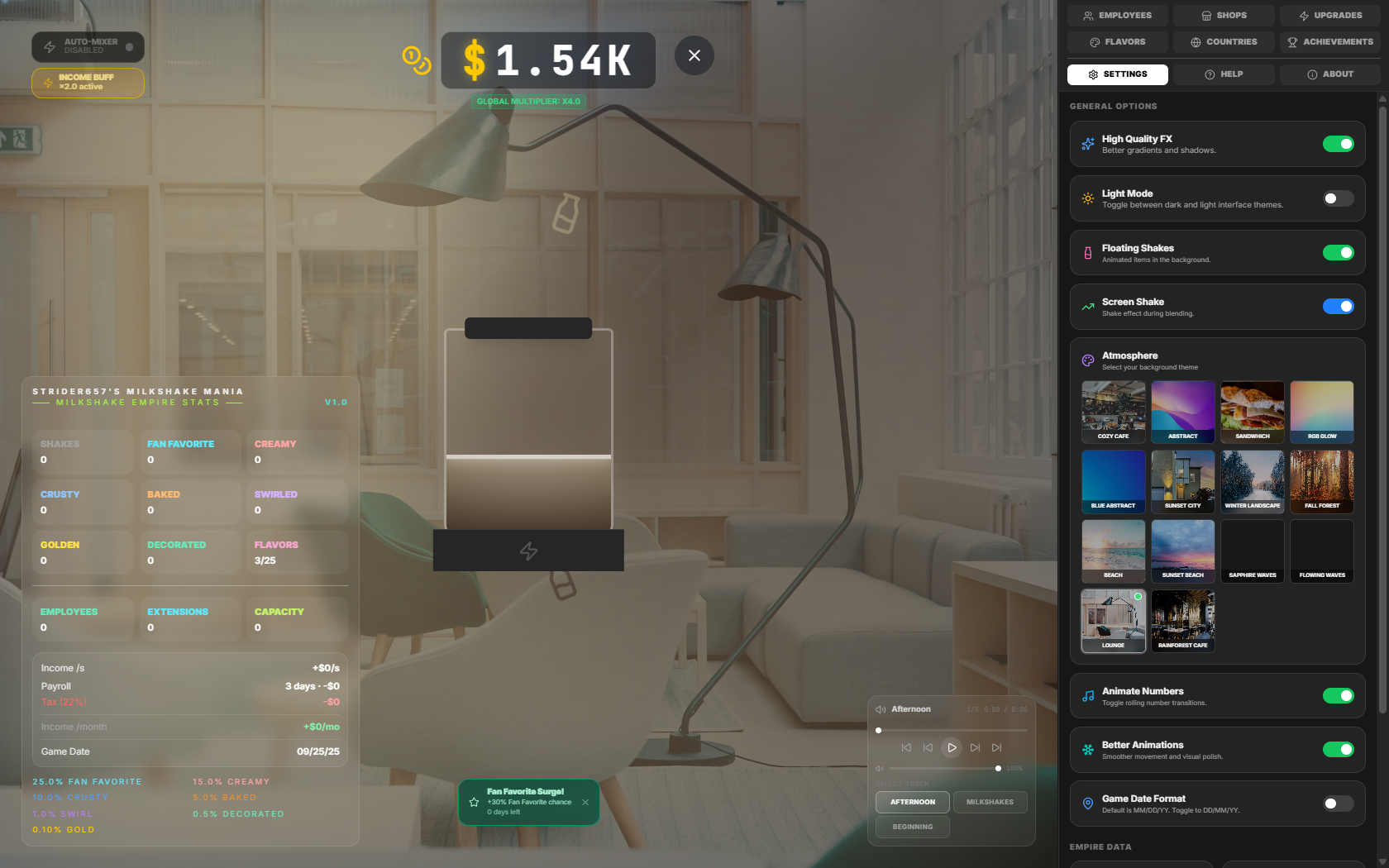
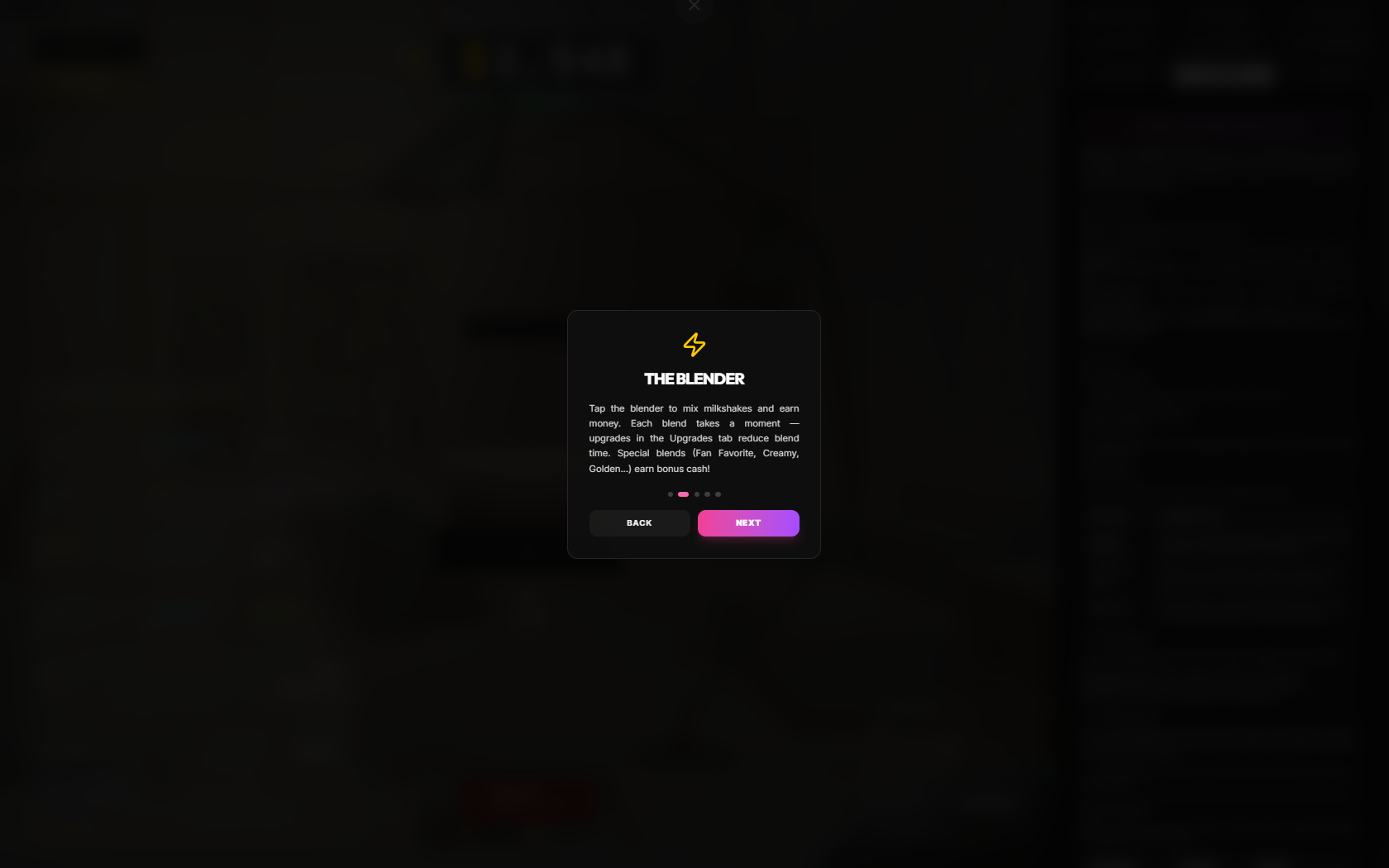
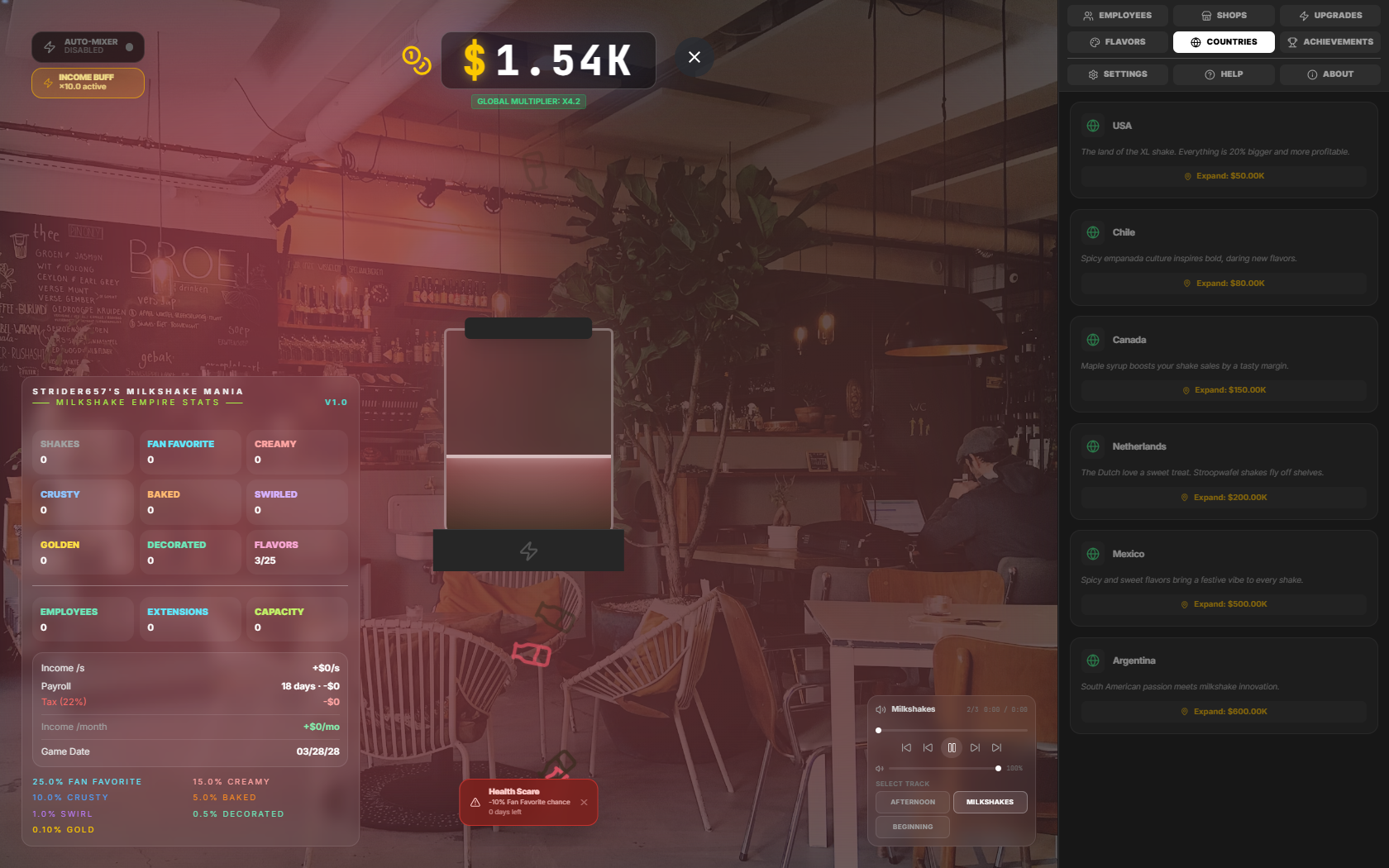
A peek at the milkshake empire in action.
Yes — completely free, with no ads and no purchases. It's a passion project.
No. It runs right in your browser. A Windows launcher is also available if you'd prefer a desktop app with offline play and auto-updates.
Yes. The game auto-saves to your browser, so you can close the tab and pick up right where you left off.
It's an optional desktop app that manages game versions, lets you play offline, and keeps both the game and itself up to date automatically.
Any modern browser on desktop or mobile. The standalone launcher is Windows-only.
Head to the GitHub repo and open an issue — feedback is always welcome.
Nope — no sign-up, no login. Just open the game and start blending. Your progress lives right in your browser.
Yes. The layout is touch-friendly and works on phones and tablets — tap to blend, just like clicking on desktop. Important: The GUI in v1.0 and lower is known to not adapt well to smaller screens, with overlapping elements, etc. Using v1.1 (when released, at the time of writing) will solve this. The website automatically uses the latest version.
It's actively worked on, with new upgrades, mechanics, and balance tweaks rolling out. Watch the releases page to keep up.
Yes — the save is stored locally, so clearing site data resets it. The desktop launcher keeps things tidier if you want a more permanent setup.
Stack upgrades for a bigger payout per blend, then hire employees so the cash keeps flowing even when you're not clicking.
Lucky blends — Crusty, Creamy, Decorated Baked, Swirled, Golden, and more — that pay bonus cash. Rarer ones pay far more, and effects can stack.
Yes. You can enable Auto Blend mode using button in the top left corner. You can also buy upgrades to reduce blend time (applies for auto and manual clicking).
Open Settings in-game and use the hard reset option. It wipes your save and starts you fresh — there's no undo, so be sure.
Settings includes export and import, so you can save a backup file or carry your progress to another device.
It's open-ended — keep upgrading, hiring, and expanding to grow your empire as large as you like. New content arrives over time.
The desktop launcher is a Windows app. On any other system, the browser version plays exactly the same — no install needed. The real reason why the launcher is only on Windows is because I [Strider657] use a Windows PC.
No — the launcher is free too. It just adds offline play, version management, and automatic updates.
The browser game is always current. The launcher updates both itself and the game automatically, or grab builds from the releases page.
Open an issue on GitHub with what happened. Reproduction steps and screenshots help a ton.
Your first milkshake is one click away.
Play Milkshake Mania